Security
Protection that's on before anyone thinks about it
Bifrost starts from WireGuard and adds the things a company network needs: post-quantum keys by default, stronger protection where you choose, and controls that respect the people using it.
Quantum-safe, by default
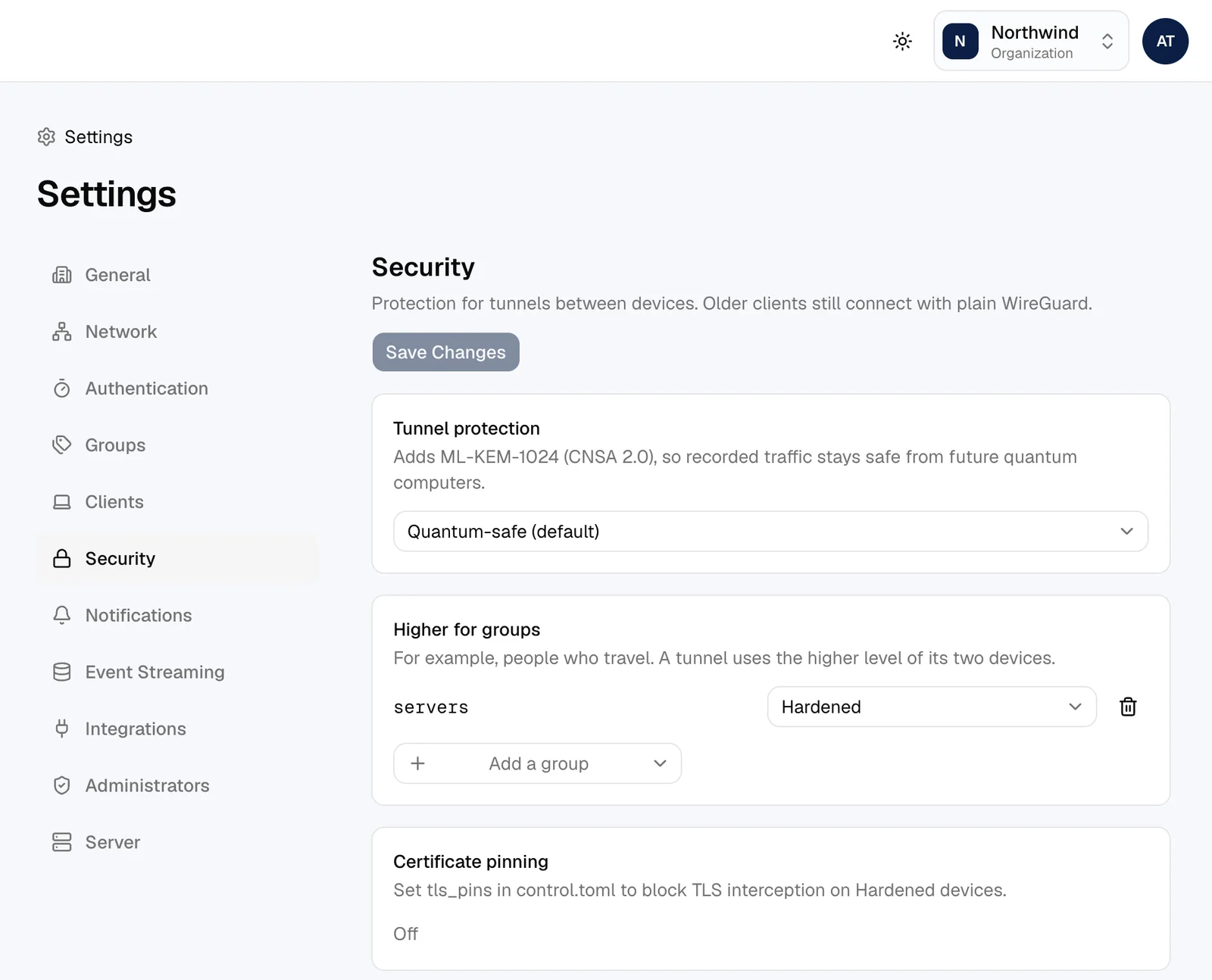
Every tunnel mixes a post-quantum key from ML-KEM-1024, the level CNSA 2.0 sets for national security systems, into WireGuard's own keys. Someone recording your traffic today can't decrypt it later with a quantum computer. A tunnel carries nothing until that key is in place.
Hardened, where it matters
Turn it on for everyone or only for the groups that travel. Devices stop answering anyone outside your network, so port scans find nothing, and you're told when someone tries. Connections to your server only trust the certificate authorities you pin, so a network that intercepts encrypted traffic is refused. If the direct route drops, devices carry on over HTTPS to your server.
Traffic that gives nothing away
With traffic privacy on, packets are padded to a few fixed sizes and quiet moments are filled with cover traffic, so watching a connection doesn't reveal what someone is doing.
Keys that look after themselves
Device keys are made on the device and never leave it. On a Mac they're sealed by the Secure Enclave, and a posture check can require it. Keys are replaced on a schedule you set, without anyone signing in again.
Remote shells the owner controls
Only the owner can allow shells on their own computer, and only as their own account. Someone else has to ask, and the owner approves every session on the spot. Their sessions end after 15 minutes idle or an hour, and admins see and can end every session, but can't open one.
Private devices
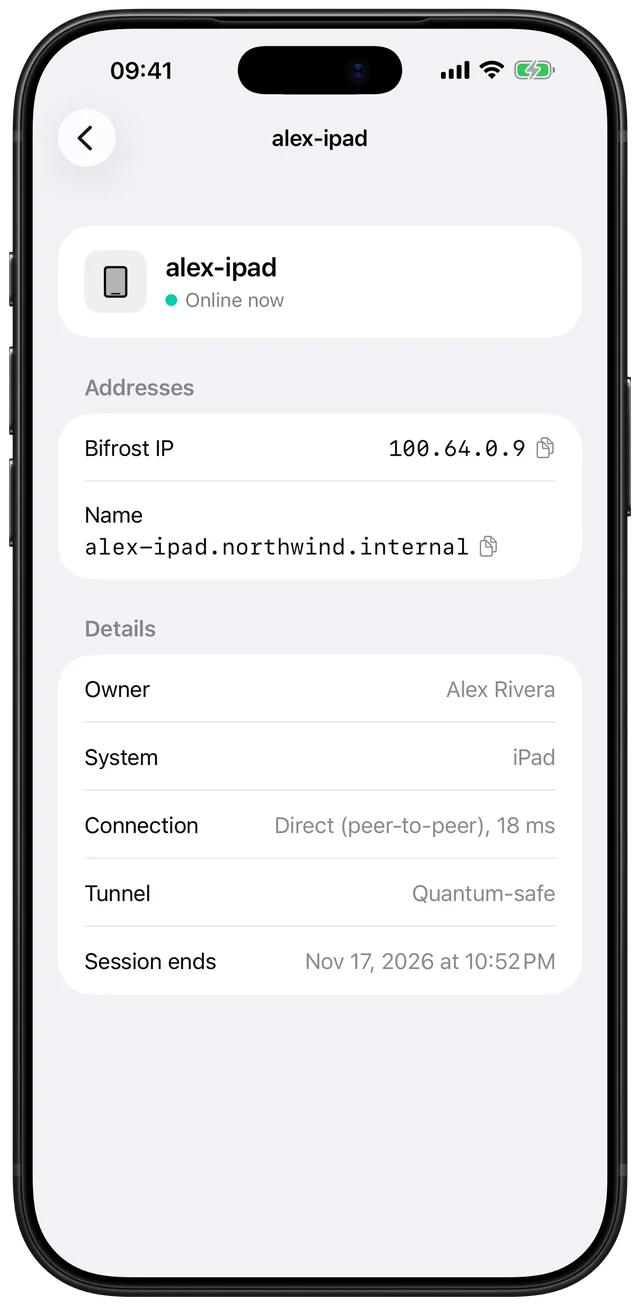
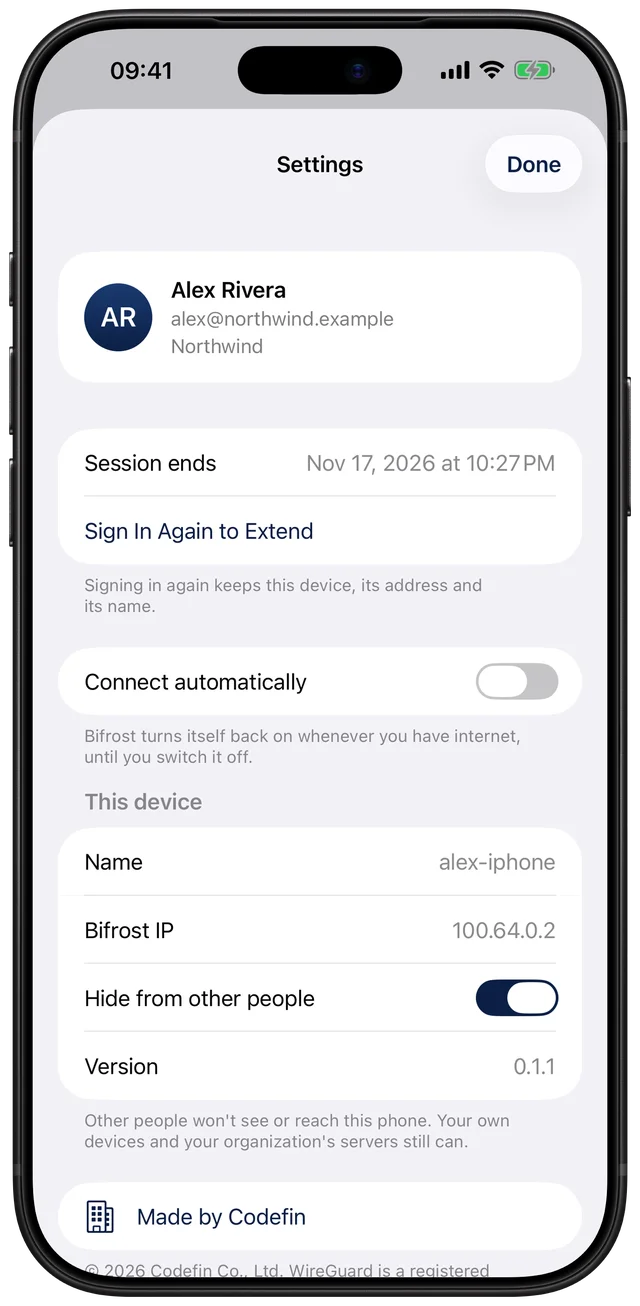
People can hide their devices from coworkers; phones start out hidden. A hidden device isn't just missing from a list: other people's devices never learn its address or key.
Remote shells
Who can open a terminal where
The rules depend on whose device it is. Every request and session is in the audit log.
In the console
Set it once for everyone
- Protection level for the organization, and higher for groups
- Certificate pinning status
- Device keys: hardware-backed, age, rotation schedule
- Who may hide their devices, and who still sees them
- Whether people may let others open shells
Sign-in
Strong sign-in, without the friction
- Your company's single sign-on, or local accounts with two-factor
- Two-factor is always required for administrators
- Face ID or the passcode before a terminal opens on iPhone
- Sign-in attempts are rate limited and logged