Platform
Everything your network needs, in one server
Bifrost's control server does the work that usually takes a VPN, a firewall manager, a DNS server and an audit tool. Here's what it includes.
Access control
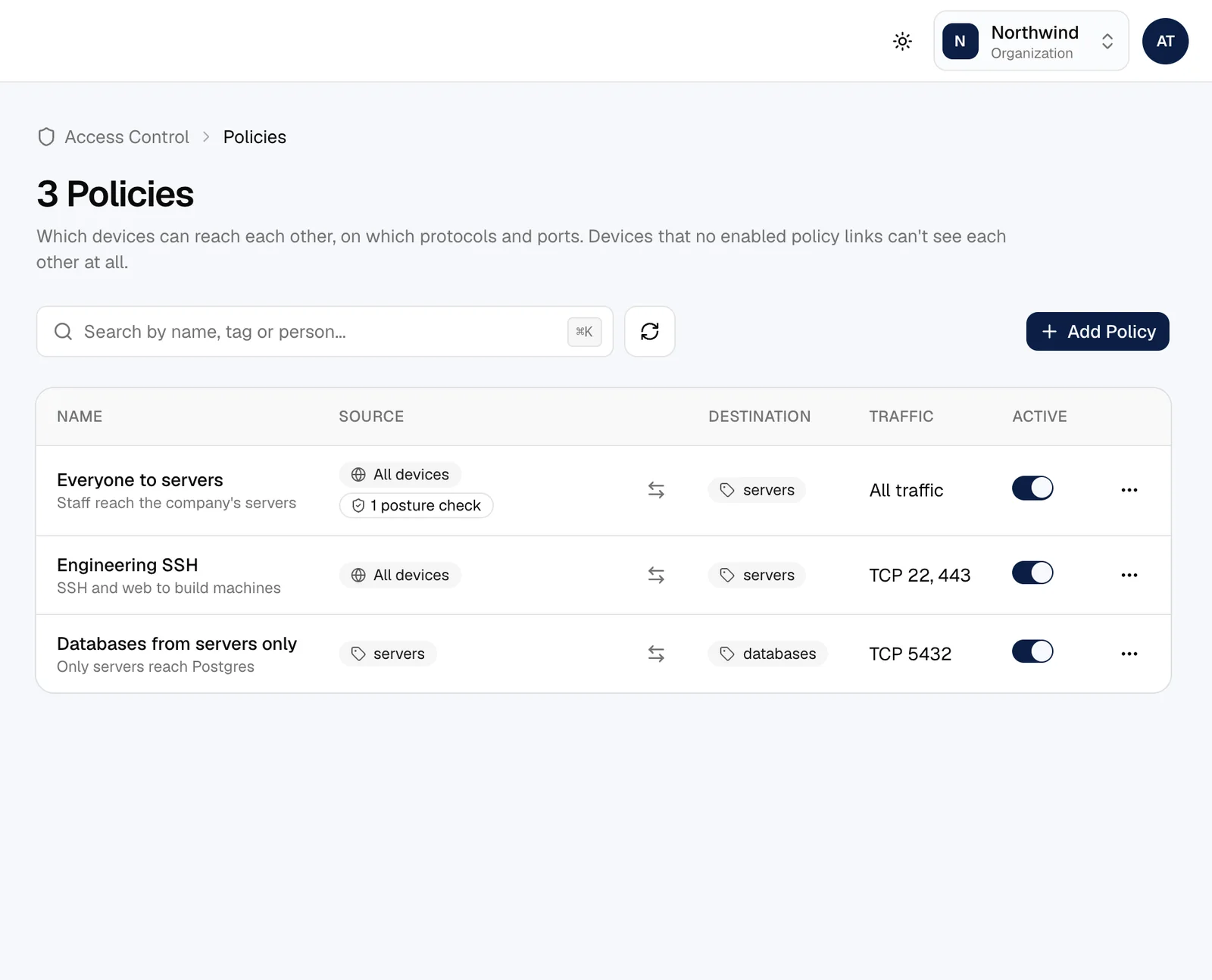
Policies that read like a sentence
Sources, destinations, protocol and ports. Policies work on groups, so a new hire or a new server gets the right access the moment they join.
- Groups for people and tags for devices, synced from your identity provider
- Two-way or one-way rules, with ports and protocols
- Approve new devices and people before they connect
- Session lengths, forced sign-in after a disconnect, minimum app versions
- Test any connection and see exactly which policy allows it
Device trust
Check the device, not just the person
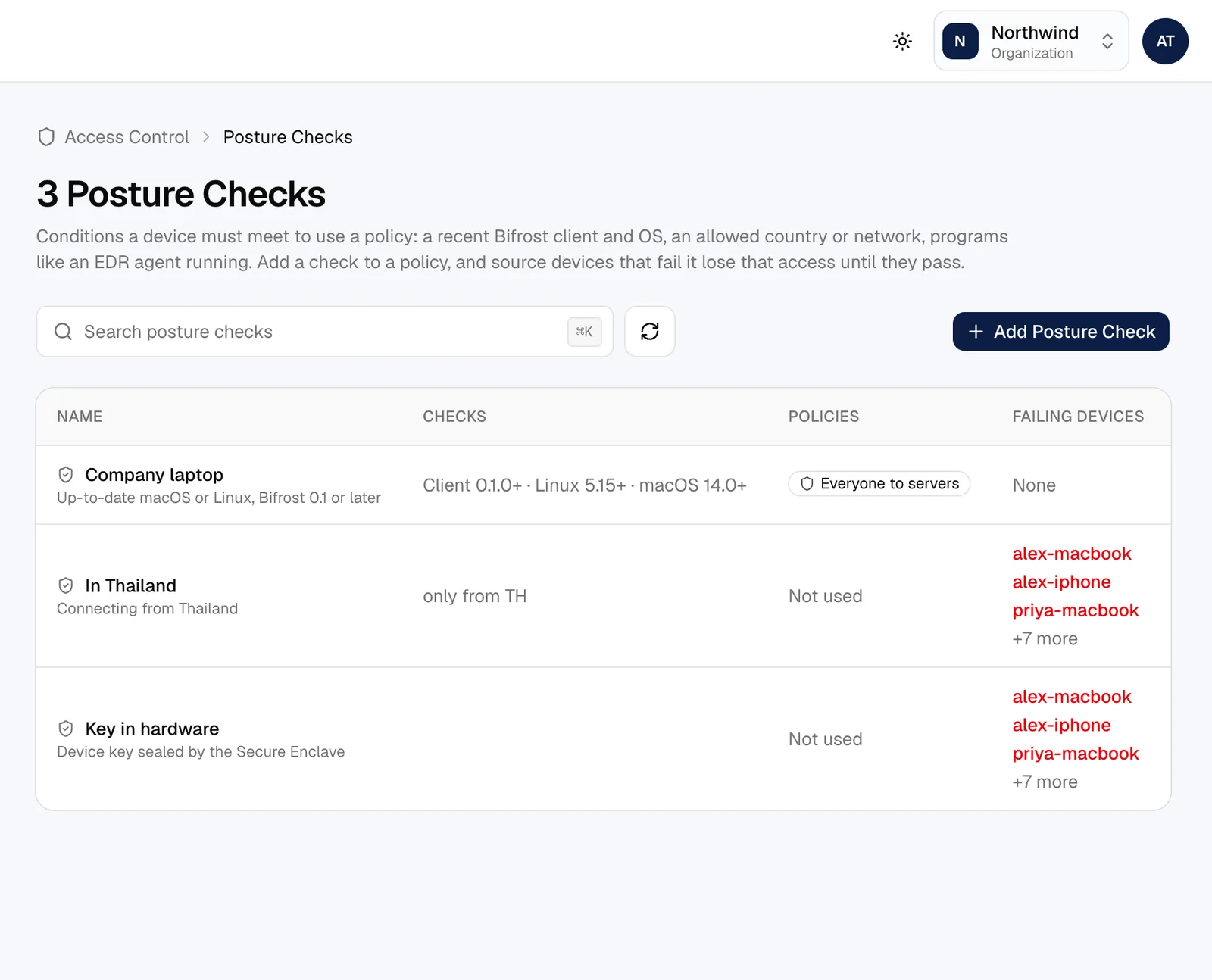
Attach posture checks to a policy and only devices that pass get through. When one stops passing, it loses access straight away.
- OS and Bifrost versions, allowed countries and networks
- Required processes and company certificates
- Device keys sealed in hardware (the Mac's Secure Enclave)
- EDR and MDM: CrowdStrike Falcon, SentinelOne, Microsoft Intune, FleetDM, Huntress
Networking
Your whole network, without the plumbing
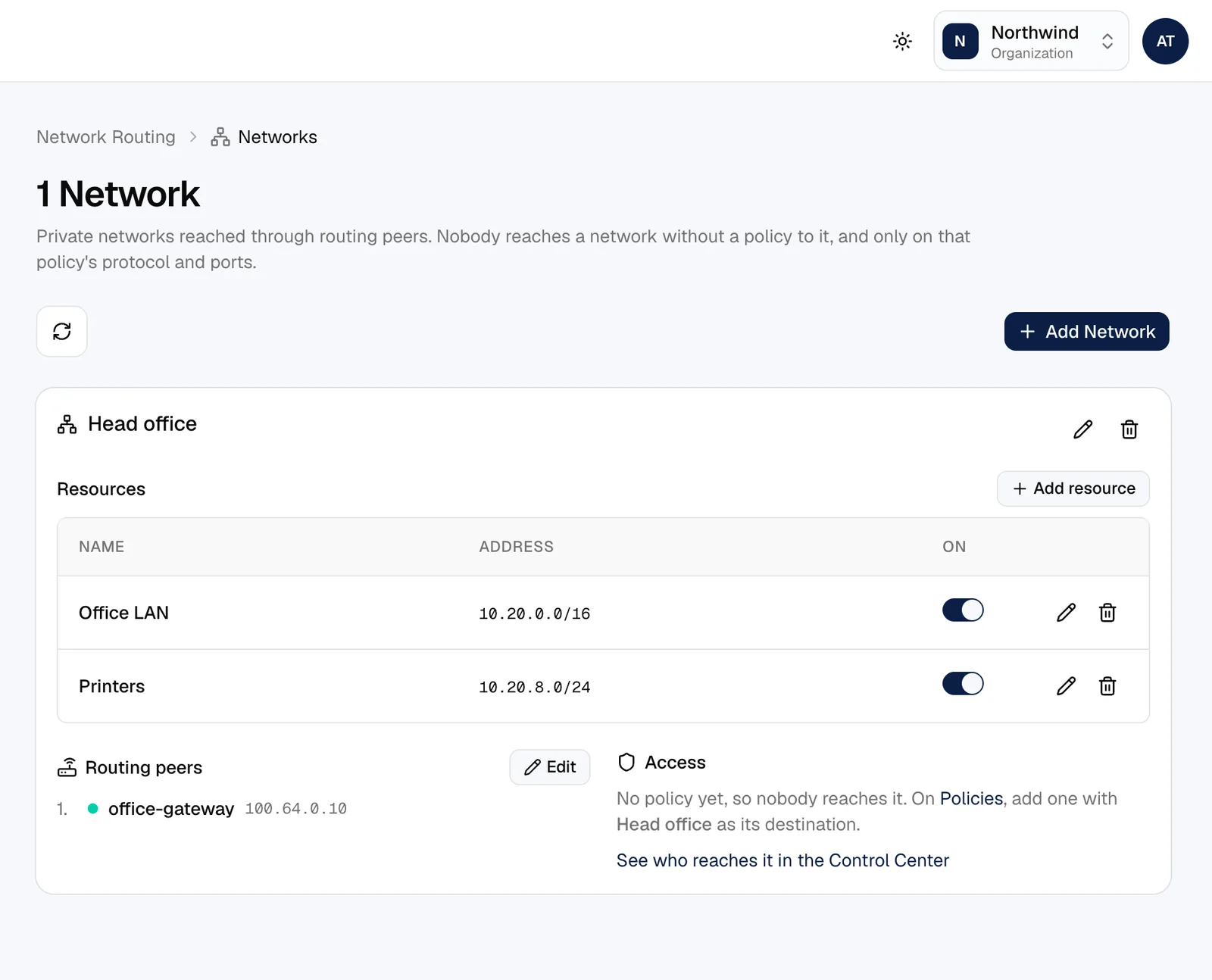
Devices find each other through NAT and connect directly. Gateways bring in the networks that can't run Bifrost themselves.
- Networks with named resources, reached through one or more routing peers
- Routes by address or domain, with failover between gateways
- Exit nodes to send internet traffic through an office
- IPv6 addresses alongside IPv4
- Lazy connections that save battery on idle tunnels
DNS
Names instead of addresses
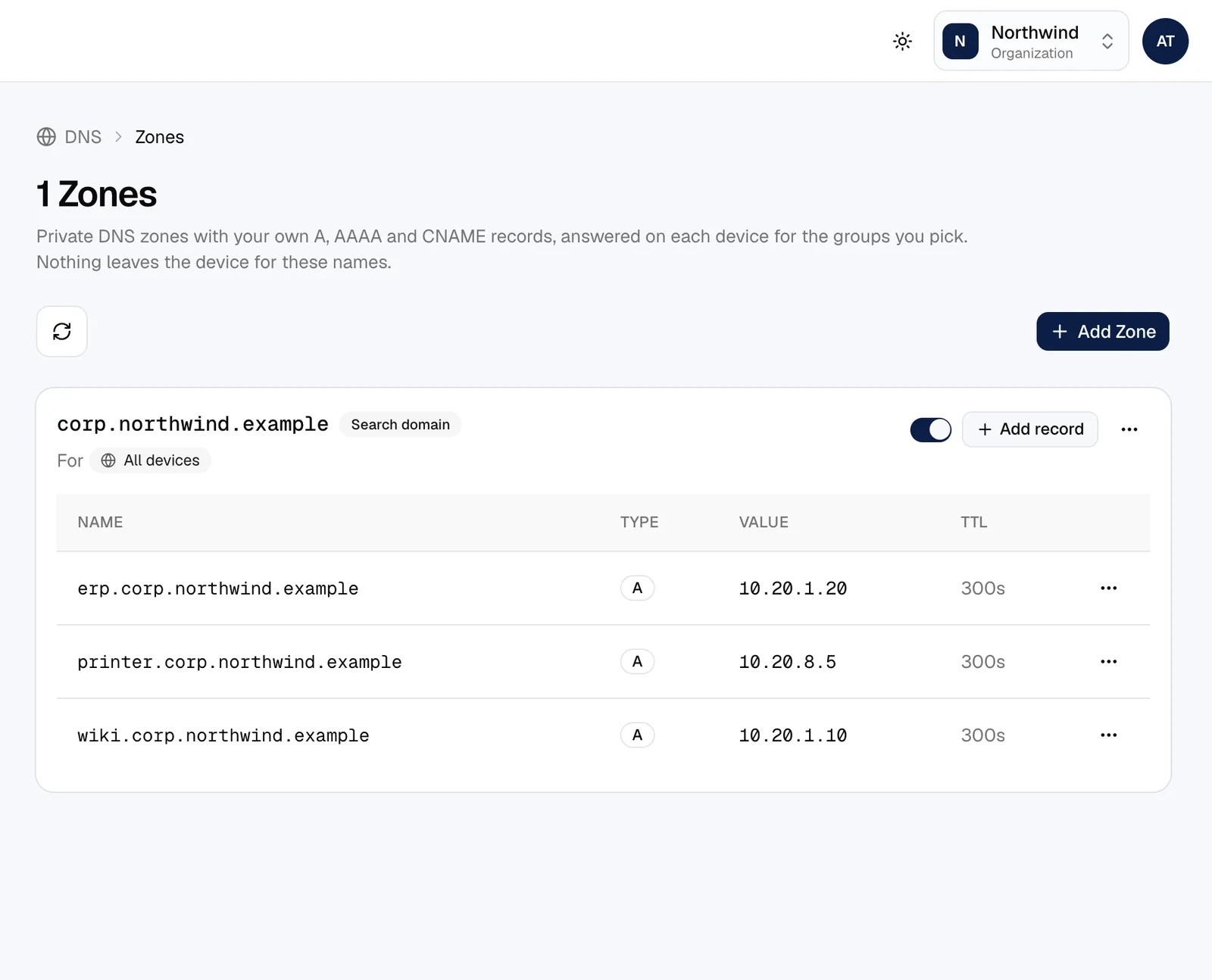
Every device gets a name. Add your own zones and records, and send internal domains to the nameservers that know them.
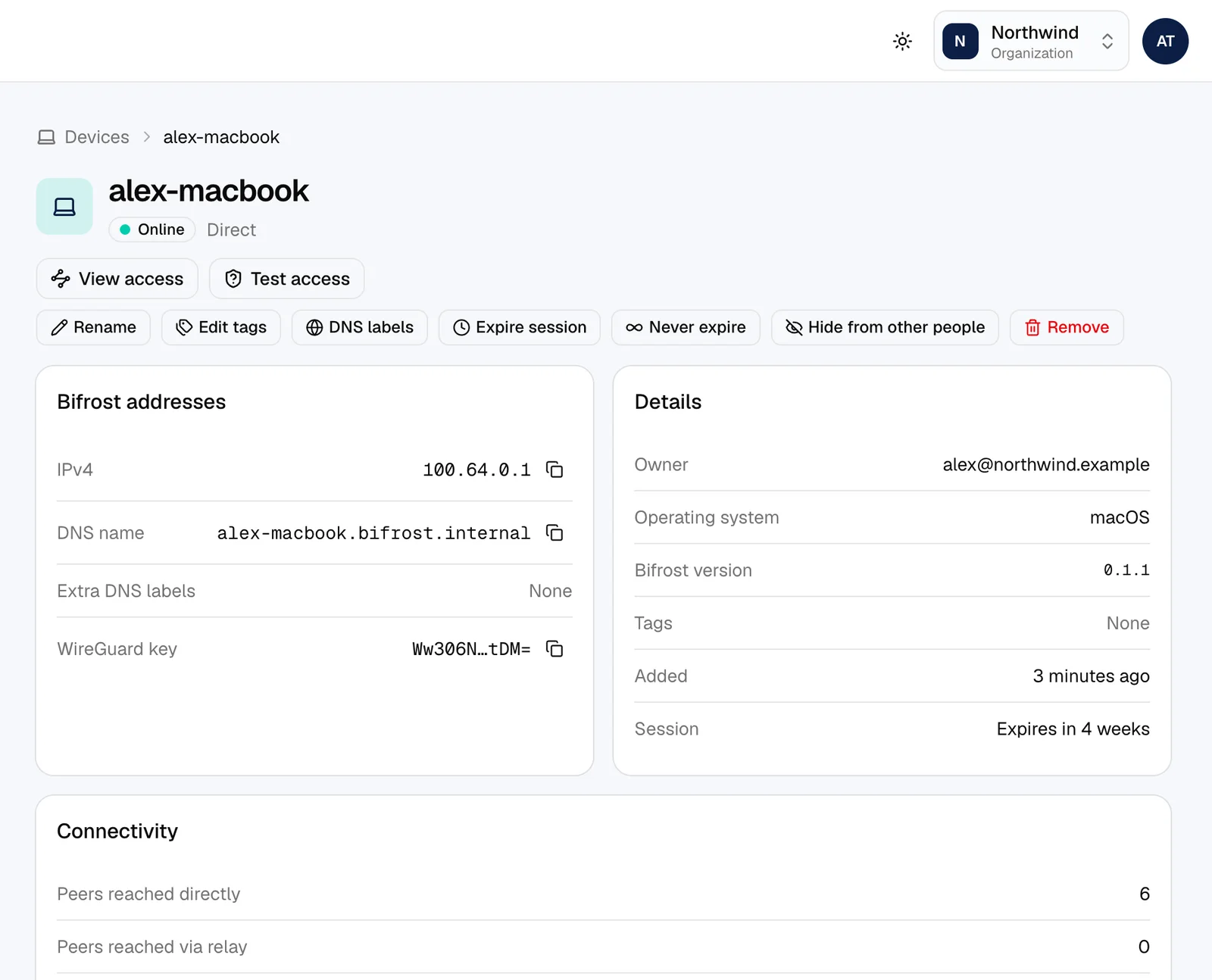
- Device names and extra labels
- Private zones and records
- Nameservers by domain and by group
Published apps
Share an internal app without opening a port
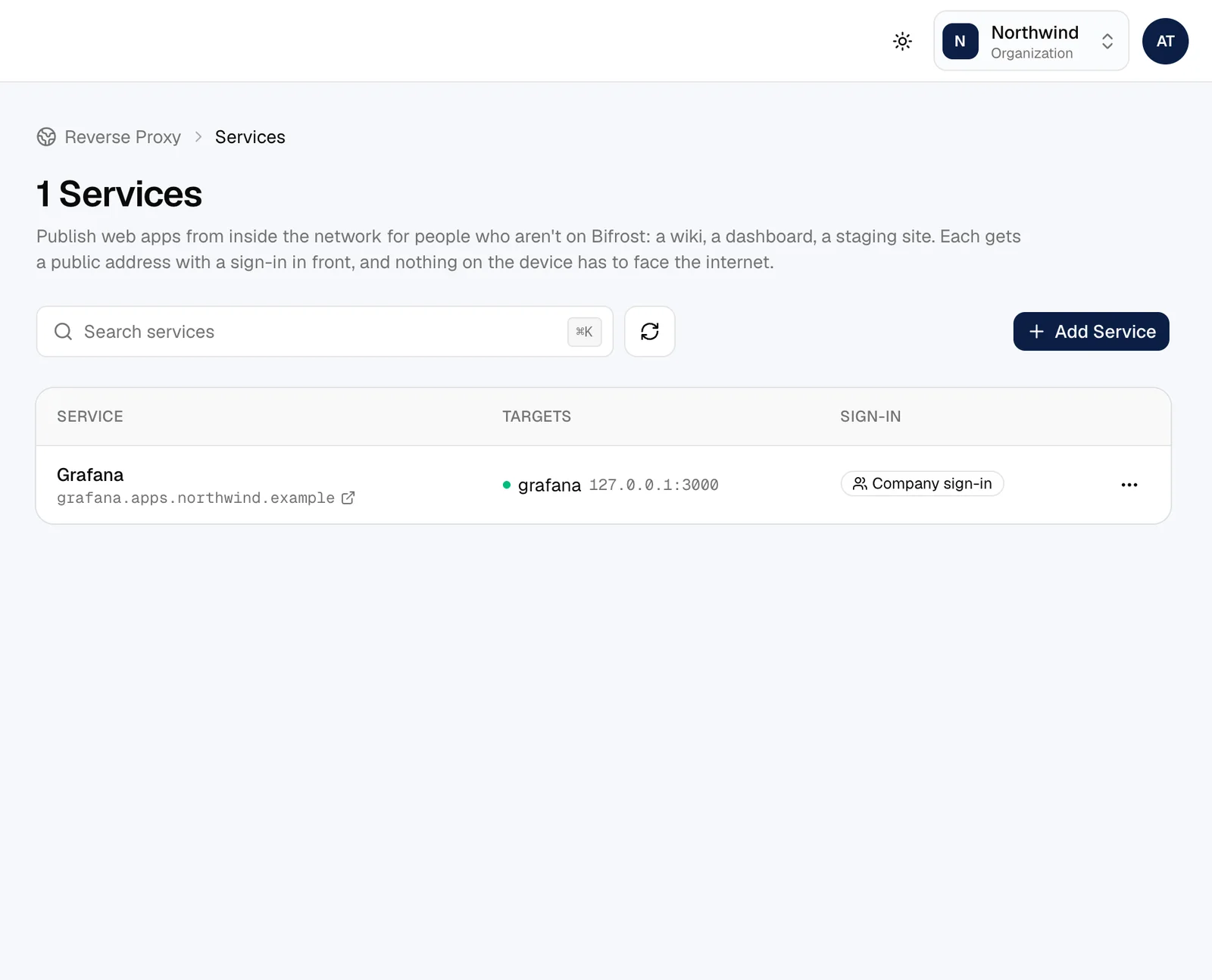
The built-in reverse proxy puts an internal web app on a public address behind your company sign-in, with its own access log.
- Your own domains with automatic HTTPS
- Company single sign-on, passwords or open access
- Access logs for every request
Identity and team
Your sign-in, your people
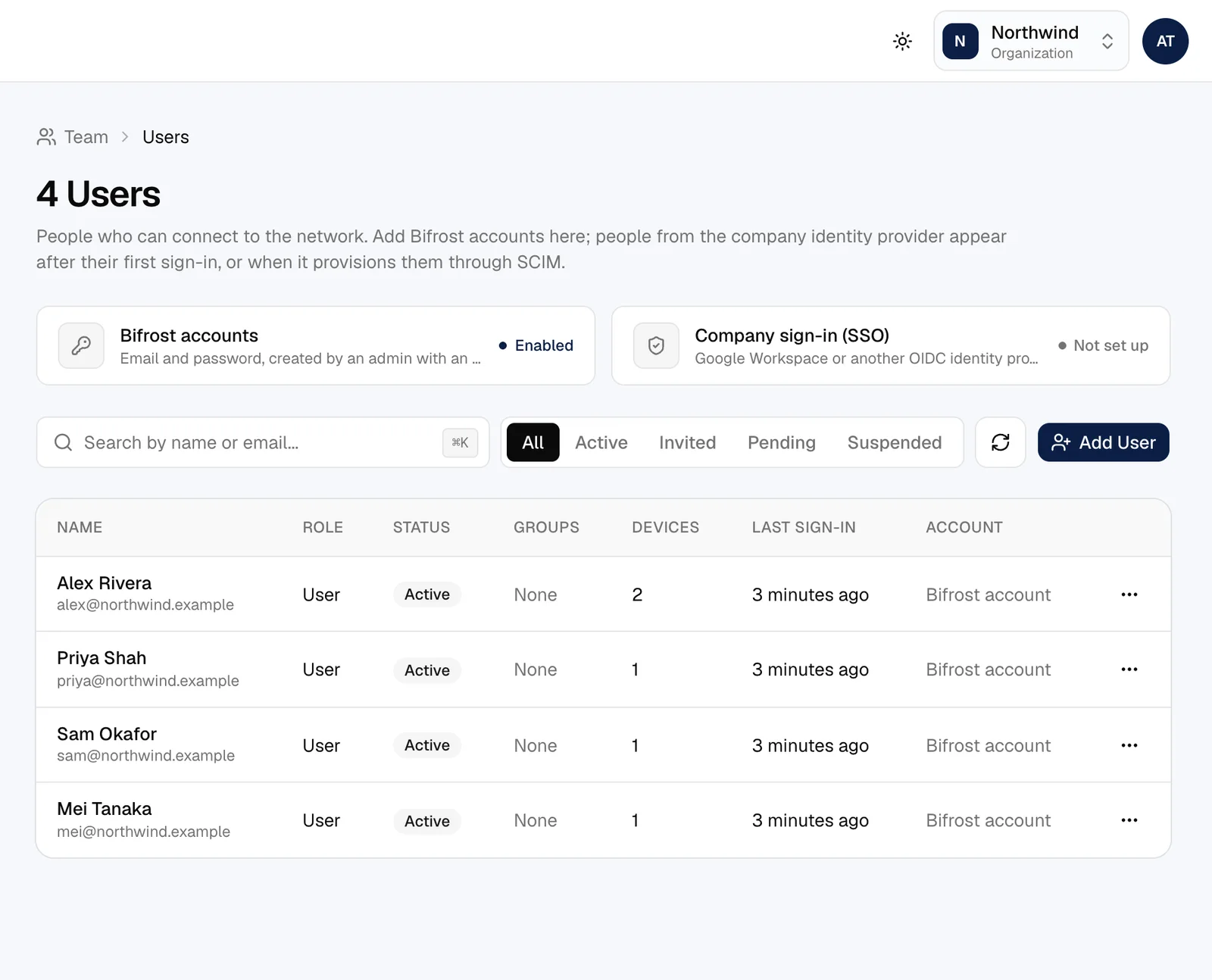
Use the identity provider you already have, keep people and groups in sync, and give everyone the role they need.
- Google Workspace, Microsoft Entra ID and any OIDC provider
- SCIM provisioning: deactivate someone and their devices disconnect at once
- Local accounts with two-factor authentication
- Roles: owner, admin, network admin and auditor, plus service users for automation
Visibility
Know what happened, and when
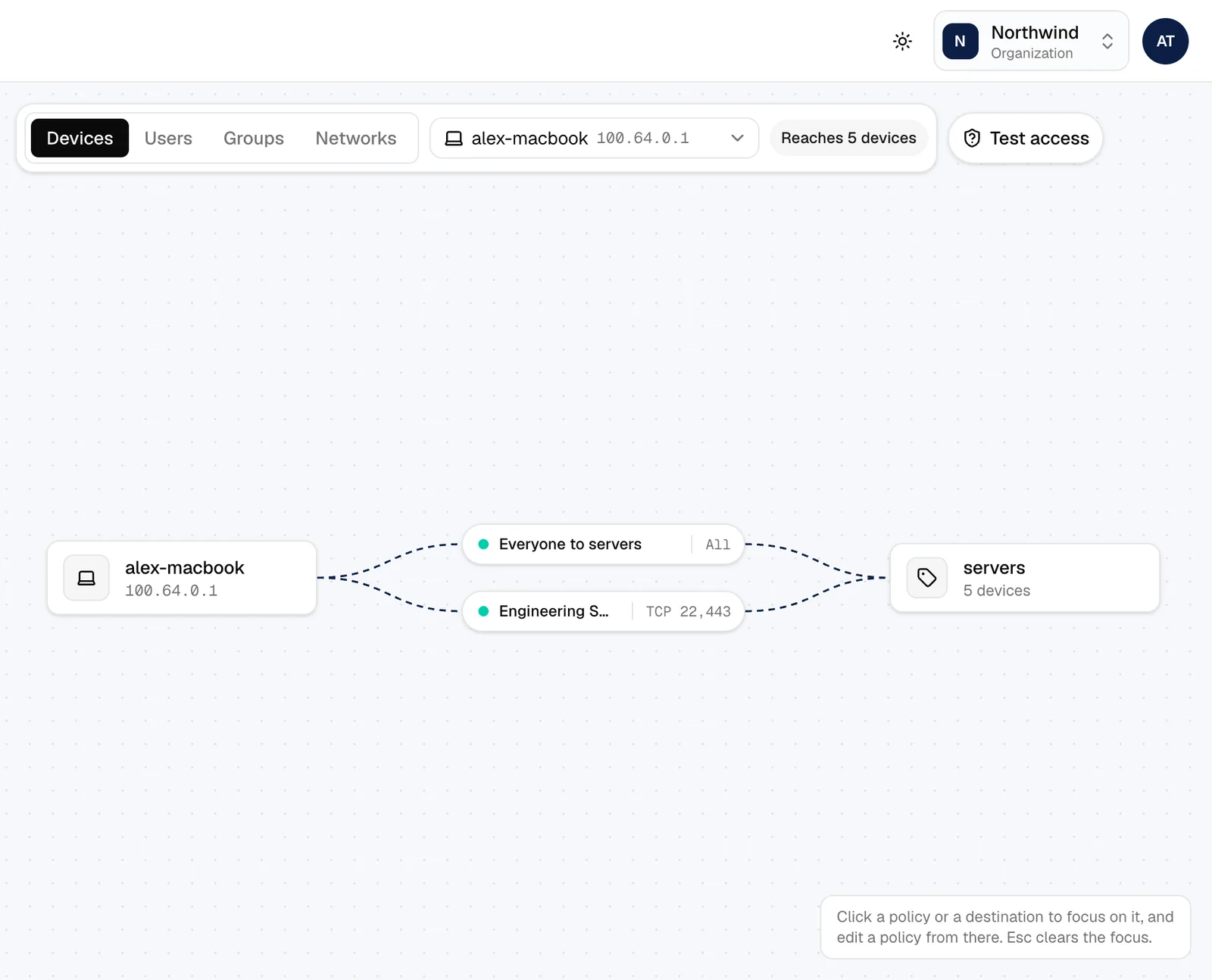
A live map of who can reach whom, an audit trail of every change, and connection records when you need them.
- Control Center: the network drawn from your policies
- Audit log of sign-ins, changes and remote sessions
- Connection records with your choice of retention
- Notifications to Slack, email or webhooks
- Event streaming to Datadog, Amazon S3, Firehose, syslog or HTTP
Tools for the team
The extras that save a trip
Small things that make Bifrost the way people actually reach their machines.
- Remote shells over SSH and in the browser, with owner approval on people's computers
- Bifrost Drop: files straight between devices
- Debug bundles collected from a device in one click
- Device key rotation on a schedule